Gemini Omni 1.1 Flash adds scene extension and keyframe control
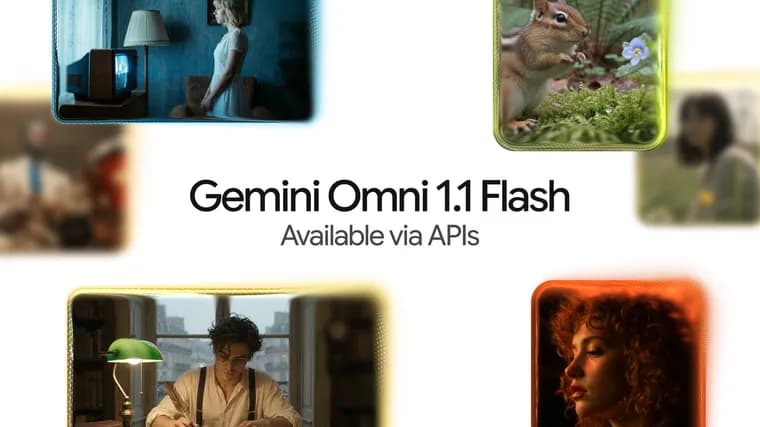
Google DeepMind released an update to Gemini Omni 1.1 Flash, its generative video model, adding a set of creative controls through the Gemini API in Google AI Studio that the company says make the model production-ready for professional use. The centerpiece is scene extension: the model can now analyze up to 10 seconds of prior video context when continuing a clip, compared with only the final second in previous models. Developers can extend a video in 10-second increments up to a total cumulative length of 40 seconds, which Google DeepMind says improves visual consistency and narrative adherence for longer stories. A new first-and-last-frame feature lets developers specify the starting and ending frames of a shot so the model generates continuous video between the two, intended for camera orbits, zoom transitions or seamless looping clips. For iteration, a 360p draft mode generates lightweight previews up to 60% faster and at a third of the cost of the model's standard 720p resolution, based on system throughput comparisons between the two resolutions; Google DeepMind positions this for rapid prototyping and storyboard work. On the output side, an upscaling feature produces polished 1080p or 4K video for final production. The update also adds video references, letting developers upload up to three seconds of reference video to keep characters and visual context consistent across a generated scene. Omni 1.1 is rolling out across Google AI Studio and the Gemini Enterprise Agent Platform API for developers, and the underlying model is available to Google AI Plus, Pro and Ultra subscribers globally in Google Flow starting today, with the scene-extension capability also reaching those subscriber tiers in the Gemini app.
Key facts
- Scene extension now reads up to 10 seconds of prior video context, versus just the final second in earlier models, and can stretch a clip to a cumulative 40 seconds in 10-second increments.
- A new first/last-frame control generates continuous video between two specified keyframes for camera orbits, zoom transitions or seamless loops.
- A 360p draft mode renders up to 60% faster and at a third of the cost of the standard 720p resolution, aimed at rapid prototyping.
- An upscaling feature outputs polished 1080p or 4K video, and a new video-reference input accepts up to three seconds of footage to keep characters and visual context consistent.
- The update reaches developers via the Gemini API and Agent Platform API, and reaches consumers through Google Flow and the Gemini app for AI Plus, Pro and Ultra subscribers globally.
Why it matters
Generative video tools have been criticized for short, disconnected clips and little control over composition. This update targets both problems directly: longer, more coherent scene extension addresses continuity, while first/last-frame control and video references give developers a way to direct specific shots rather than relying purely on text prompts. Google DeepMind frames the release explicitly as the point where Omni 1.1 becomes usable for professional production rather than only experimentation.
Who it affects
The changes are aimed at developers building generative video workflows, creative tools or media-editing software on the Gemini API in Google AI Studio, plus enterprises building on the Gemini Enterprise Agent Platform API. Consumers are affected too: Omni 1.1 is available to all Google AI Plus, Pro and Ultra subscribers globally in Google Flow, and scene extension specifically reaches those same subscriber tiers inside the Gemini app.
How to use it
Scene extension is called through the Gemini API by passing a previous_interaction_id from an existing video interaction and a follow-up instruction such as continuing the scene, with a chosen output resolution. The 360p draft setting is meant for cheap, fast iteration before committing to a final render, while the separate upscaling path produces 1080p or 4K output for finished work. First/last-frame generation and video references are supplied as part of the multimodal input alongside text prompts. The source references a pricing table for Omni 1.1 but does not give the actual price figures in the article text.
How solid is it
This is a first-party announcement from Google DeepMind describing its own product update, not an independent evaluation. The specific figures given, the 10-second context window, the 40-second cumulative extension limit, and the 60%-faster/one-third-cost comparison for 360p versus 720p, come directly from the company and are explicitly qualified as being based on the company's own system throughput measurements rather than independently verified benchmarks.
Risks and caveats
The performance and cost claims are self-reported and tied to Google's own throughput comparisons rather than third-party testing, so real-world results may vary. The announcement mentions that customers are already using Omni Flash in production via the Agent Platform API but does not name any of them, and it does not disclose actual pricing, leaving cost planning to whatever the referenced pricing table shows once developers look it up themselves.